
- Address Vaisali Nagar, Jaipur, Rajasthan
- E-mail support@startupinnovative.in
- Phone +919001995465
How to Create a Digital Identity with a vCard Website
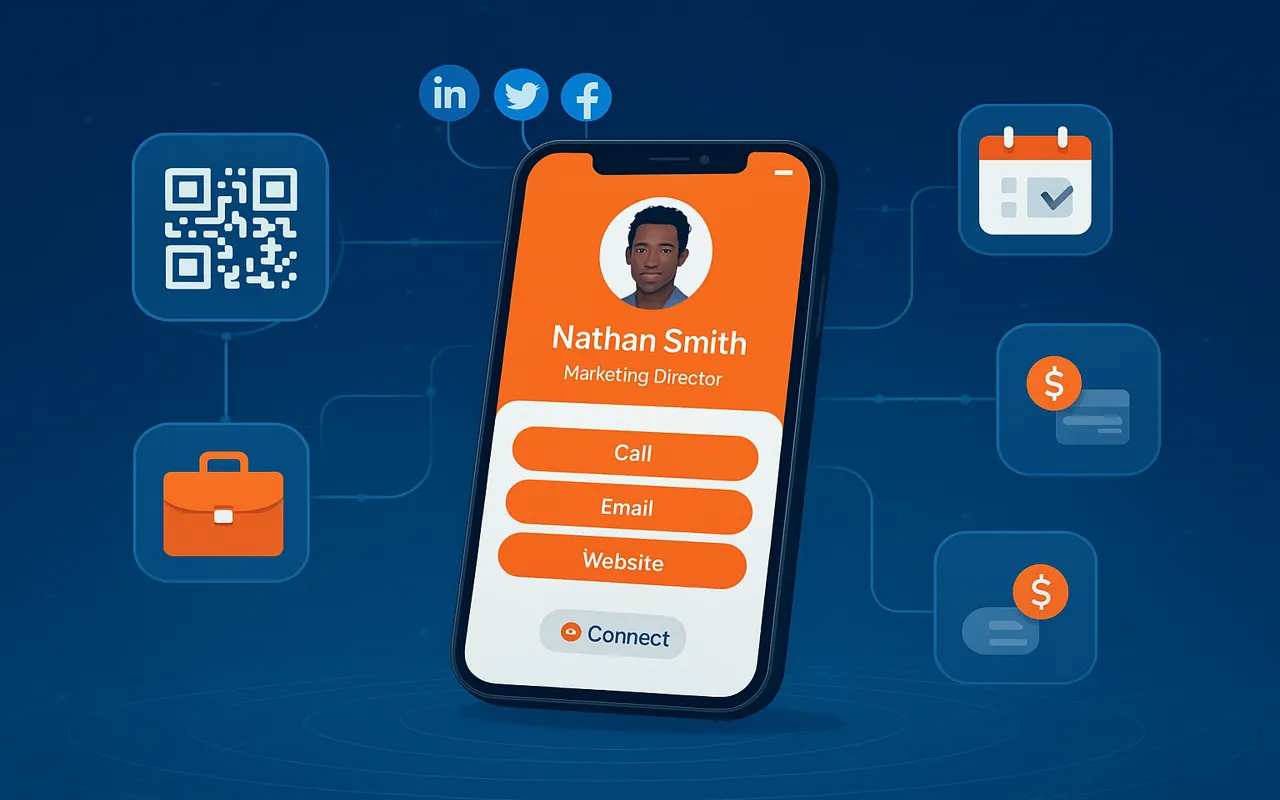
Your digital identity is your new first impression. Learn how a vCard website can become your 24/7 professional ambassador in the online world. In today's hyper-connected business environment, your digital identity serves as your: Always accessible, never runs out Showcase work dynamically Capture potential clients A vCard website consolidates your professional identity into a single, shareable link that works across all platforms and devices. For professionals seeking an all-in-one solution, MiniWebOnline offers: Alternative options include WordPress with vCard plugins or custom-coded solutions for unique requirements. Create a compelling 8-12 word statement that clearly communicates your value proposition. Example: "Digital Marketing Specialist | Helping Brands Grow Through Data-Driven Strategies" Include: Pro Tip: Use MiniWebOnline's AI design assistant to automatically match colors, fonts, and layouts to your industry. Generate a QR code that links directly to your vCard for printed materials. Track visitor behavior and engagement metrics. Set up automatic follow-ups with new contacts. Email Signature: Add your vCard link to all outgoing emails Social Media: Pin your vCard link to all profiles Networking Events: Share via NFC or QR code Printed Materials: Replace physical cards with QR codes Create your personalized vCard website in minutes with MiniWebOnline's easy-to-use platform.Why Your Digital Identity Matters in 2025
24/7 Business Card
Interactive Portfolio
Lead Generation Tool
Essential Components of a Powerful vCard Website
1. Professional Profile
2. Contact Hub
3. Content Showcase
4. Action Tools
Step-by-Step Guide to Creating Your vCard Website
Step 1: Choose Your Platform
Step 2: Craft Your Content Strategy
Professional Headline
Bio Essentials
Step 3: Design for Impact
Visual Branding
User Experience
Step 4: Add Smart Functionality
QR Code Integration
Analytics Setup
Automation Tools
Step 5: Launch & Promote
Advanced vCard Features to Consider
Ready to Build Your Professional Digital Identity?
0 comment on “How to Create a Digital Identity with a vCard Website”
Leave a Reply
Your email address will not be published.



- Startup Growth
- SaaS Products
- Web Development
- Mobile App Development
- Digital Marketing
- UI/UX Design
- Business Automation
- Tech for Restaurants
- Freelancing & Consulting
- Startup Success Stories
- Branding & Identity
- Latest Tech Trends
- CRM & Customer Support
- Productivity Tools
- WhatsApp Marketing
- Digital Business Cards
- SEO & Website Traffic
- Ecommerce Tools
- Cost-Effective Solutions
- Software Architecture
- Testing
Ready to build your dream product?
Whether it’s a sleek mobile app or a full-stack platform, our experts are here to help.